
This is a user manual for a humidity / temperature pen. It introduces how to use the humidity / temperature pen, including turning on and off, temperature unit switching, maximum and minimum value viewing, and clearing maximum and minimum values.
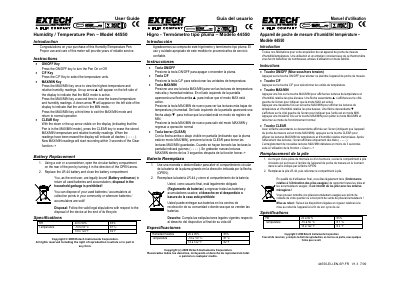
This document serves as the user guide for the Extech Model 44550 Humidity/Temperature Pen. It details the operation of the device's keys, including ON/OFF, C/F for unit selection, and MAX/MIN for recording high and low readings. The guide also explains how to clear stored data and replace the LR-44 battery.
| Relative Humidity Range | 20 to 90% ±5% |
|---|---|
| Temperature Range (Celsius) | -10 to 50°C ±1°C |
| Temperature Range (Fahrenheit) | 14 to 122°F ±2°F |
Press the CLEAR key while the up or down arrow is visible on the display to erase the stored readings.
The device requires an LR-44 battery.