
This document introduces Extech's Humidity Alert Humidity Indicator with Dew Point and Programmable Hi/Lo %RH Alarms. It also features Humidity and Temperature calibration adjustments.
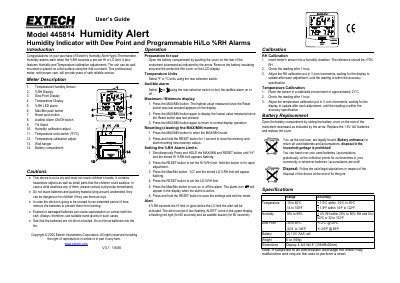
The Extech 445814 Humidity Alert is a professional hygrometer that monitors relative humidity and temperature. It features programmable high and low %RH alarm limits, audible and visual alerts, and the ability to display dew point, maximum, and minimum values. The device can be wall-mounted or placed on a flat surface using its fold-out stand.
| Temperature Range | -10 to 60°C |
|---|---|
| Humidity Range | 10% to 99% |
| Battery Type | 2 x 1.5V 'AAA' cell |
| Weight | 6 oz (169g) |
| Dimensions | 4.3x3.9x0.8" (109x99x20mm) |
Simultaneously press and hold the MAX/MIN and RESET buttons until 'HI' and the stored limit appear flashing, then press RESET to set the limit.
Press the MAX/MIN button to enter the mode, then press and hold the RESET button for 1 second to clear the memory.
The alert activates with two flashing 'ALERT' icons, a flashing red light for 60 seconds, and an audible buzzer for 60 seconds.