
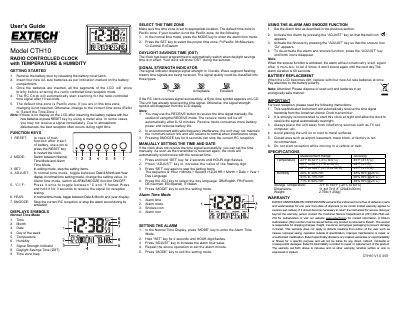
The Extech CTH10 is a radio-controlled clock that automatically synchronizes time via signals from an American Atomic Clock transmitter. It features an LCD display showing time, date, day of the week, temperature, and humidity levels, along with signal strength indicators.
Users can manually set the time and date if automatic reception fails or choose to use it in alarm mode with snooze functionality. The device supports multiple languages (English, French, German, Spanish, Italian) and allows users to select specific time zones including Pacific, Mountain, Central, and Eastern.
| Battery Type | Four AA size batteries |
|---|---|
| Dimensions | 11.4x17x11.8 inches (29x43x30cm) |
| Weight | 2.75 lb (1.25 kg) |
The default time zone is Pacific zone.
Press and hold the °C/°F key for 3 seconds to receive the signal for reception testing.
The alarm will automatically start again after 4 minutes, repeating a total of 4 times before stopping until the next day.