
The Extech 445702 Hygro-Thermometer Clock is a device that can display time, temperature, and relative humidity simultaneously. It can be wall mounted or placed on a table-top using the built-in tilt stand. It features MIN/MAX displays and programmable alarm clock. This product is small and portable, easy to use, and will provide you with years of reliable service.
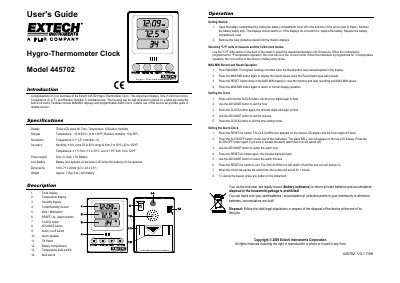
The Extech 445702 is a multi-function instrument that simultaneously displays time (12 or 24-hour format), temperature in Celsius or Fahrenheit, and relative humidity. The device features a built-in tilt stand for tabletop use or wall mounting and includes programmable alarm clock functionality with MAX/MIN recording capabilities.
| Temperature Range | -10 to 60 oC (14 to 140oF) |
|---|---|
| Relative Humidity Range | 10 to 85% |
| Temperature Resolution | 0.1 o C/F |
| Humidity Resolution | 1% |
| Power Supply | One (1) 'AAA' 1.5V Battery |
| Dimensions | 109 x 71 x 20mm (4.3 x 2.8 x 0.8") |
Use the oC/oF slide switch on the back of the meter to select the desired temperature unit.
Press and hold the RESET button while in the MAX-MIN display.