
This is a user manual for a temperature and humidity datalogger. It can monitor and log temperature and humidity data over long periods of time and then transfer the data to a PC for viewing and evaluation.
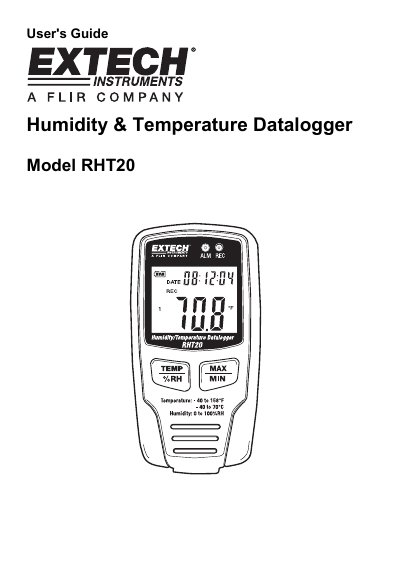
This manual provides instructions for the Extech RHT20, a datalogger used to monitor and log temperature and humidity data over long periods. The device features an LCD display showing current, maximum, and minimum values, along with recording status indicators. It is shipped fully tested and calibrated to provide years of reliable service.
The guide details how to operate the device using front panel buttons and the provided software for data collection and analysis. It includes instructions for changing the combination lock on the wall mount case, replacing the battery, and disposing of the device according to legal requirements. System requirements for the accompanying software are also listed.
| Resolution | 0.1° and 0.1 RH |
|---|---|
| Maximum data points | 16,350 per sensor |
| Sample rate | 1s to 24h selectable |
| Power supply | 3.6V Lithium Battery |
| Battery life | 3 months (approximately) |
| Operating Temperature | -40 to 70°C |
| Operating Humidity | 0 to 100% RH |
| Dimensions | 3.7x1.9x1.2 inches |
The battery life is approximately 3 months.
The device operates between -40 and 70 degrees Celsius.
Press the release to open the lock, press IN and HOLD the locking pin with a pointed object, set the new code, and release the pin.
The display will show a FULL indicator.