
Extech MA150 AC Mini Clamp-on Meter User's Guide

This document introduces the use of Extech MA150 AC Mini Clamp Meter, including product features, safety information, input limits, and operating methods.
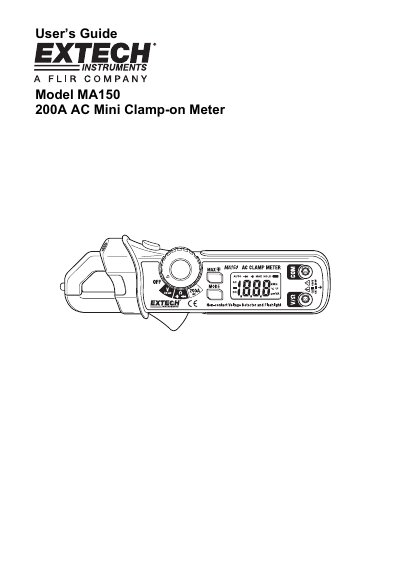

Extech MA150 AC Mini Clamp-on Meter User's Guide - cover page
Brand
EXTECH
Category
multimeter
Document type
User Manual
Language
English
Pages
7
File format
PDF
File size
318 KB
Published
01 August, 2012
Updated
30 September, 2023
Model
MA150
MD5 checksum
99DC60065E7C752FC3278CC06A8E20AE

About this manual

The Extech MA150 is a compact clamp meter designed for measuring AC current up to 200A, as well as AC/DC voltage, resistance, continuity, and diode testing. It features a Hall effect sensor with a jaw opening of 0.7 inches (18mm) and includes non-contact AC voltage detection.

What's inside

  • Meter Description
  • Safety Information
  • AC Current Measurements
  • AC/DC Voltage Measurements
  • Resistance and Continuity Measurements
  • Diode Test
  • Non-Contact AC Voltage Detection
  • MAX Hold and Backlight
  • Specifications

Specifications

Max AC Current200A
Jaw Opening0.7" (18mm)
Battery TypeTwo 1.5V AAA batteries
Display Rate2 readings/second, nominal

Frequently asked questions

What is the maximum AC current rating?

The meter supports a maximum input of 200A for AC current measurements.

How do I activate the backlight?

Press and hold the "MAX" key for more than one second to turn on the backlight.

Download PDF (318 KB)

More EXTECH Manuals


View all EXTECH manuals →