
Introduces the function characteristics, precautions and usage methods of the 380941 model clamp meter
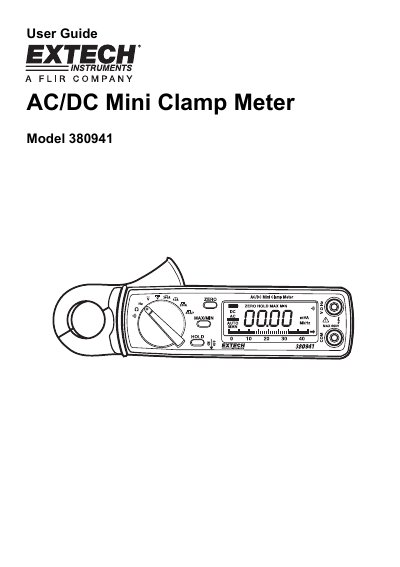
The Extech Model 380941 is a professional AC/DC clamp meter designed to measure current, voltage, resistance, frequency, and continuity. It features a Hall effect sensor, a 40-segment bargraph display, and one-touch zeroing for DC current measurements.
| Display | 3-3/4 (4000 count) Digit LCD with 40 segment bargraph |
|---|---|
| Functions | ACA, DCA, ACV, DCV, Resistance, Frequency, Continuity |
| Current sensor type | Hall effect sensor type |
| Battery | Two 1.5V AA batteries |
| Weight | 8 oz. (225g) including battery |
| Jaw opening | 0.9" (23mm) |
Press the Zero key to zero the present measurement, and all subsequent measurements will be displayed with respect to that reading.
Press the Data Hold key; the HOLD icon will appear, and pressing it again returns the meter to normal operation.