
This guide provides instructions for using the InFocus JTouch 00 interactive display, covering touch gestures, S-Write whiteboard tools, browser usage, file…
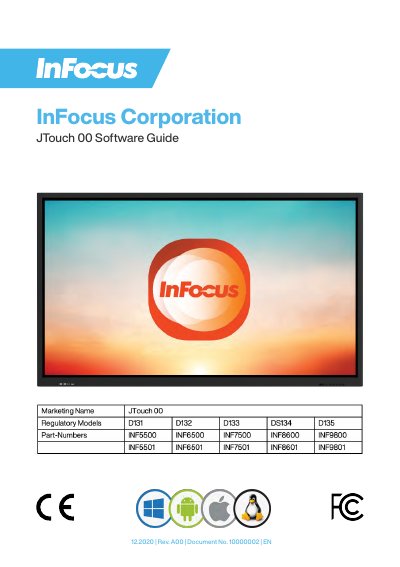
The InFocus JTouch 00 Software Guide serves as a comprehensive manual for operating the device's software features. It details how to utilize various touch gestures, customize the S-Write whiteboard with pens and backgrounds, and manage files through the built-in Finder. The guide also explains browser functionality, including bookmarking and sharing pages via WPS Office accounts.
You use the slider bar to set the preferred thickness option.
Press the play button to start the counter or timer, which changes to a pause button when needed to stop it.
You must not use the device until the update is completed because it will interfere with the process.