
This document is the owner's manual for AS Model No.: Plasma TV, providing instructions for assembly and use of the product, as well as technical support and contact information.
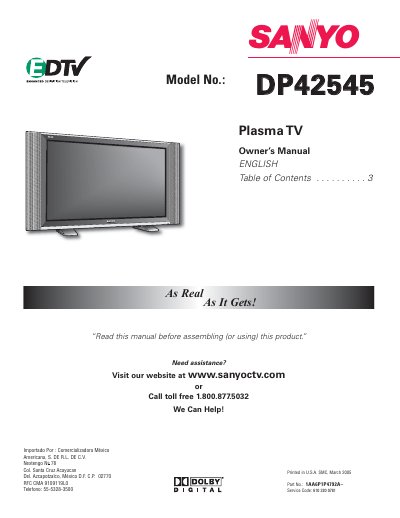
This document is the English Owner's Manual for the Sanyo DDPP4422554455 Plasma TV. It covers essential safety warnings, including precautions against electric shock and fire hazards, as well as proper ventilation requirements.
The guide details initial setup procedures such as connecting antennas (digital RF and analog), installing batteries in the remote, and setting up channels. It also explains how to operate various features like picture/sound adjustments, closed-captioning, parental controls (V-Guide), and screen savers.
| Screen Size | 42 inches (Measured Diagonally) |
|---|---|
| Panel Type | Plasma Display |
| Resolution | 852 x 480 pixels |
| Power Requirement | AC 120V, 60Hz |
| Weight | 84.1 lbs., (38.2 Kg) |
Turn the Plasma TV On and leave it on about one hour for the dots to gradually disappear.
No, never spray liquids on the screen or use benzene, thinner, or volatile substances as they may damage the cabinet finish.