
This manual contains important information about the installation, operation and safe use of this product.
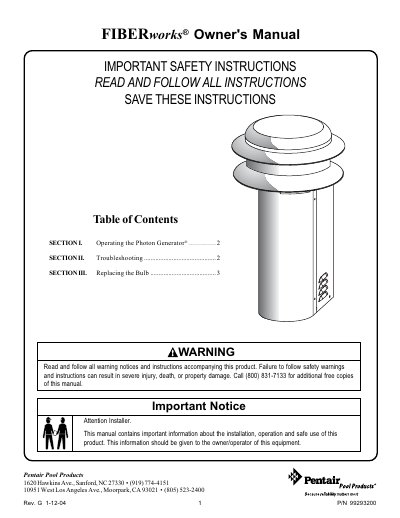
The Pentair FIBERworks Photon Generator is a pool accessory available in several models, including white light only, standard color wheel, X-10 Remote Controlled, and Jandy AquaLink compatible versions. The manual details how to operate each specific model using switches on the unit or remote controls. It also includes safety warnings regarding electrical shock and heat, advising users to disconnect power before servicing.
| Fuse Rating | 3 Amp |
|---|---|
| Bulb Voltage | 20VAC |
| Document Revision | Rev. G |
Push the single switch located on the back of the unit once to turn the power on.
Check that the bulb is in place and not burned out, and verify the voltage at the bulb socket is around 20VAC.
Remove the front-metal cover, then use a small flat-head screwdriver to change the red rotary switch setting.