
This document is the user manual of Syntax OLEVIA LCD display LT42HVi, which introduces the features and usage methods of the display.
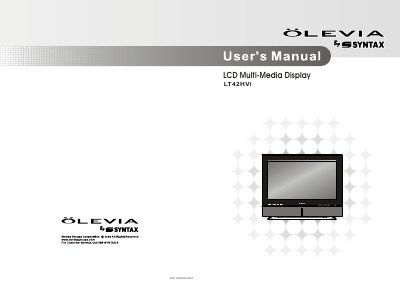
This document is the user manual for the Syntax OLEVIA LT42HVi LCD Multi-Media Display. It covers important safety precautions, FCC statements, and introduces the TV's features and accessories. The guide details how to install the unit and connect it to various external devices such as VCRs, DVD players, satellite receivers, and PCs using different cable types including A/V, S-Video, Component, VGA, and DVI/HDCP cables.
| Product Type | LCD Multi-Media Display |
|---|
Do not allow anything to rest on or roll over the AC cord, and do not place the set where the power cord is subject to wear or abuse.
Do not place the display in areas where moisture is present or where the unit may get wet such as bathrooms, kitchens, pool areas, or in a wet basement.