
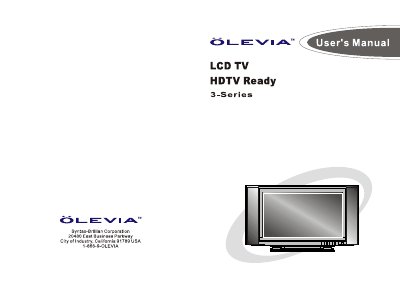
Syntax-Brillian Olevia 3-Series LCD TV User Manual


Syntax-Brillian Olevia 3-Series LCD TV User Manual - cover page
Brand
Olevia
Category
Television
Document type
User Manual
Language
English
Pages
65
File format
PDF
File size
27.8 MB
Published
11 July, 2012
Updated
24 July, 2012
MD5 checksum
AB142E57FD99A969C1065839786169EE

About this manual

Welcome to your new Syntax-Brillian OLEVIA HDTV Ready. This manual is designed to help you set up and operate your HDTV Ready as quickly as possible. The model and serial numbers are located on the back cover of your TV.

The package includes the display unit, remote control, AC power cord, Quick Start Guide, and Warranty Card. Most components like VCRs or DVD players come with necessary cables, but complex systems may require extra connectors.

What's inside

  • Important Safety Precautions
  • TV Installation and Connection Guide
  • Remote Control Guide
  • On Screen Display (OSD)
  • Picture OSD Adjusting TV Picture Settings
  • Audio OSD Adjusting Sound Quality
  • Screen OSD Adjusting Screen Modes
  • Setup OSD Adjusting Personal TV Settings

Frequently asked questions

What is the operating temperature range for this TV?

The display unit only operates within the temperature 0°C to 40°C.

How many people are required to carry the display?

Carrying the display requires two or more people.

Download PDF (27.8 MB)

More Olevia Manuals


View all Olevia manuals →