
Syntax-Brillian OLEVIA 7-Series LCD TV User Manual


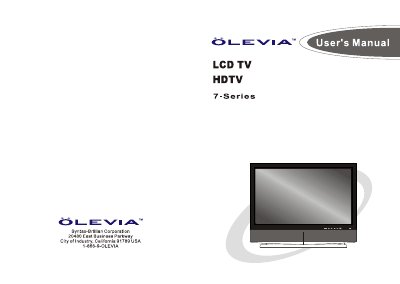
Syntax-Brillian OLEVIA 7-Series LCD TV User Manual - cover page
Brand
Olevia
Category
Television
Document type
User Manual
Language
English
Pages
79
File format
PDF
File size
33.7 MB
Published
11 July, 2012
Updated
24 July, 2012
MD5 checksum
0130E9DBC794B556E473D86525ED9C55

About this manual

This manual covers the Syntax-Brillian OLEVIA 7-Series LCD HDTV, including safety precautions, installation, and connection guides for various devices such as DVD players, satellite receivers, and PCs. It details how to identify front controls and rear panels, connect power cords, and link the TV to external equipment using HDMI, component, or A/V cables.

What's inside

  • Important Information
  • Important Safety Precautions
  • Introducing the Syntax-Brillian OLEVIA TV
  • TV Installation And Connection Guide
  • Identifying Front Controls and Rear Panels
  • Remote Control Guide
  • On Screen Display (OSD)
  • Specifications

Frequently asked questions

What is the minimum distance required between the TV and the wall?

You must keep a minimum distance of 10cm between the display unit and the wall to ensure proper air circulation.

How many people are required to carry the display unit?

Carrying the display requires two or more people to prevent accidents.

What is the operating temperature range for the display unit?

The display unit only operates within the temperature range of 0°C to 40°C.

Download PDF (33.7 MB)

More Olevia Manuals


View all Olevia manuals →