
Syntax-Brillian OLEVIA 2-Series LCD TV User Manual


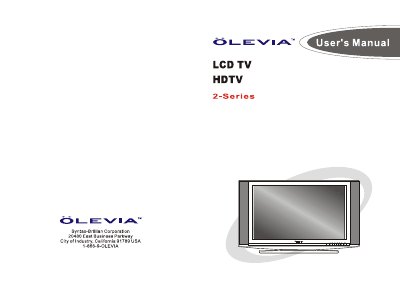
Syntax-Brillian OLEVIA 2-Series LCD TV User Manual - cover page
Brand
Olevia
Category
Television
Document type
User Manual
Language
English
Pages
66
File format
PDF
File size
27.4 MB
Published
11 July, 2012
Updated
24 July, 2012
MD5 checksum
753F6A6CB17F49E5223CCC1EF46AF5BA

About this manual

Welcome to your new Syntax-Brillian OLEVIA LCD HDTV. This guide covers everything from unboxing and identifying accessories to connecting various external devices like DVD players, satellite receivers, and PCs using HDMI, component, or A/V cables.

The manual details how to use the remote control, install batteries, and navigate the On-Screen Display (OSD) menus to adjust picture quality, audio settings, screen modes, and personal TV preferences such as channel searching and parental controls.

What's inside

  • Important Safety Precautions
  • Accessories
  • TV Installation And Connection Guide
  • Identifying Front Controls and Rear Panels
  • Remote Control Guide
  • On Screen Display (OSD)
  • PICTURE OSD Adjusting TV Picture Settings
  • AUDIO OSD Adjusting Sound Quality
  • SCREEN OSD Adjusting Screen Modes
  • SETUP OSD Adjusting Personal TV Settings

Frequently asked questions

What is the operating temperature range for this TV?

The display unit only operates within the temperature 0°C to 40°C.

How many people are required to carry the display?

Carrying the display requires two or more people.

Download PDF (27.4 MB)

More Olevia Manuals


View all Olevia manuals →