
This document provides an installation and connection guide for OLEVIA TVs, including information on accessories, remote control usage, and OSD settings. It describes how to connect various video and audio devices and provides instructions for adjusting the TV's picture and audio settings.
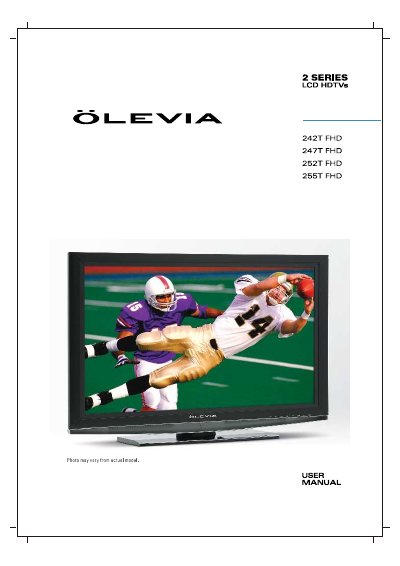
This manual is designed to help users set up and operate the Olevia 2 Series LCD HDTV quickly. It covers essential safety precautions, installation steps for connecting various external devices like antennas, DVD players, and set-top boxes, and the use of supplied accessories such as the remote control and power cord.
The guide details how to use the On-Screen Display (OSD) to adjust picture and sound settings, configure screen modes, and manage personal TV settings including channel searching, parental controls, and timer functions. It also includes instructions for programming the remote control and uploading new firmware.
You must keep a minimum distance of 10cm between the display unit and the wall to ensure proper air circulation.
Carrying the display requires two or more people because it is extremely heavy.