
This document is an installation and operation guide for the LT32HVE / LT32HVM series LCD multimedia display, including instructions on connecting devices and adjusting picture and sound settings.
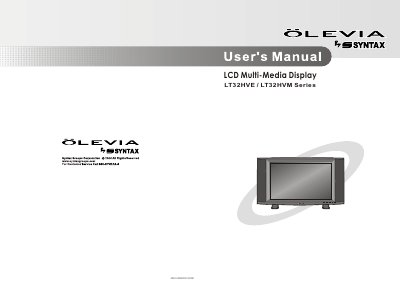
The document serves as a comprehensive guide for the Syntax LT32HVE and LT32HVM series LCD Multi-Media Displays. It covers essential safety precautions, including warnings about high voltage and proper ventilation to prevent overheating.
The manual details how to identify front controls and rear inputs, connect various video sources such as VCRs, DVD players, satellite receivers, and PCs using different cable types like VGA, DVI, and Component cables. It also explains how to operate the remote control, adjust On Screen Display (OSD) settings for picture and sound quality, configure personal TV preferences including parental controls, and utilize screen modes like Picture in Picture (PIP) and Split Screen.
| Product Type | LCD Multi-Media Display |
|---|---|
| Operating Temperature | 0C to 40T |
Remember to unplug the AC cord before cleaning and do not use liquid cleaners or aerosol cleaners.
Carrying the display requires two or more people to prevent accidents.