
The MR27V3252D is a 32Mbit electrically Programmable Read-Only Memory with page mode. Its configuration can be electrically switched between 2,097,152 word x 16bit and 4,194,304 word x 8 bit. The MR27V3252D operates on a single +3.3V power supply and is TTL compatible. The MR27V3252D provides Page mode which can greatly reduce the read access time. Since the MR27V3252D operates asynchronously , external clocks are not required , making this device easy-to-use. The MR27V3252D is suitable as large-capacity fixed memory for microcomputers and data terminals. It is manufactured using a CMOS double silicon gate technology and is offered in 44-pin SOP or 48- pin TSOP packages.
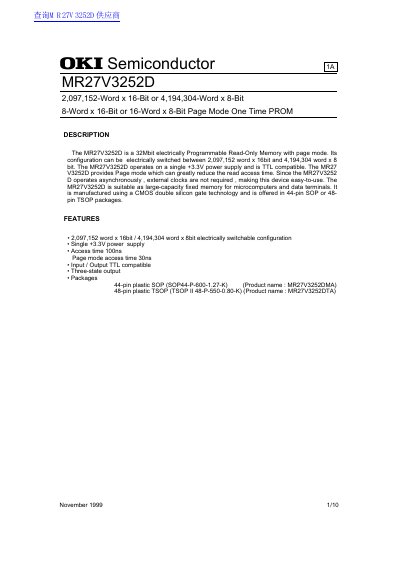
The MR27V3252D is a 32Mbit electrically Programmable Read-Only Memory (PROM) manufactured by OKI Semiconductor. It features a unique configuration that can be electrically switched between 2,097,152 words x 16-bit and 4,194,304 words x 8-bit modes. The device operates on a single +3.3V power supply and is TTL compatible.
| Memory Capacity | 32Mbit |
|---|---|
| Configurations | 2,097,152 word x 16bit / 4,194,304 word x 8bit |
| Power Supply Voltage | +3.3V |
| Access Time (Standard) | 100ns |
| Page Mode Access Time | 30ns |
| Operating Temperature Range | 0 to 70 °C |
The device is offered in 44-pin plastic SOP or 48-pin TSOP packages.
No, the device operates asynchronously so external clocks are not required.