
This document is the operation manual for the Goldline Controls AQL-WW-P-4 model. It explains how to use the product and how to troubleshoot any problems that may occur.
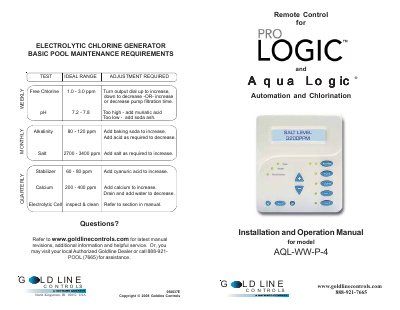
This document serves as an installation and operation guide for the Goldline Controls AQL-WW-P-4 Remote Control, designed for use with Pro Logic and Aqua Logic P-4 systems. It details mounting requirements, wiring instructions using four-conductor cable, and compatibility notes regarding specific software versions.
The manual also provides troubleshooting steps for common issues such as display failures or communication errors, and explains how to adjust the backlight settings via the menu system.
The wire to the main unit must be less than 500 feet long.
A main unit can connect to a maximum of 3 remote display/keypads.
You can stop this by pressing the menu key until 'Settings Menu' appears, then selecting 'Always On' or 'Off after 60 sec.'