
GOLDLINE CONTROLS AQL-WW-RF-PS-4 AQL-WW-RF-PS-8 AQL-WW-RF-PS-16 AQL-Tx-RF-PS-4 AQL-Tx-RF-PS-8 AQL-Tx-RF-PS-16 manual

Introduces the features and characteristics of the wireless remote display, is compatible with all Aqua Logic controllers, and operation manual
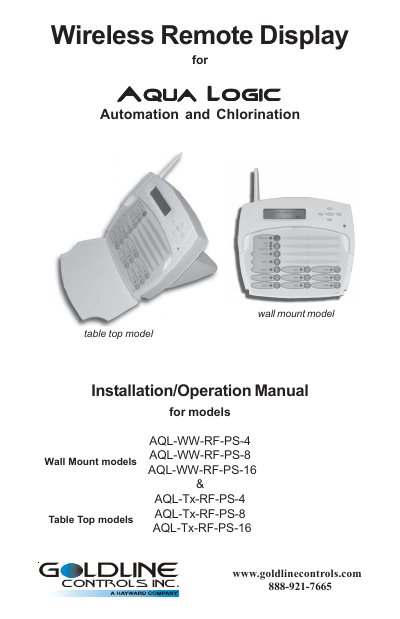

GOLDLINE CONTROLS AQL-WW-RF-PS-4 AQL-WW-RF-PS-8 AQL-WW-RF-PS-16 AQL-Tx-RF-PS-4 AQL-Tx-RF-PS-8 AQL-Tx-RF-PS-16 manual - cover page
Brand
Goldline
Document type
User Manual
Language
English
Pages
11
File format
PDF
File size
178 KB
Published
11 July, 2012
Updated
30 September, 2023
MD5 checksum
28D3965A53AEAF1A27D4F38972393A80

About this manual

This manual covers the installation, operation, and compatibility requirements for Goldline Controls Aqua Logic wireless remote display/keypads. It details procedures for both wall-mount models (AQL-WW-RF-PS-4/8/16), which require a base receiver and 120V power, and table-top models (AQL-Tx-RF-PS-4/8/16), which are battery-operated and portable. The document explains how to teach the unique Aqua Logic ID code to ensure system isolation.

What's inside

  • Compatibility
  • Installation Wall Mount
  • Installation Table Top
  • Teaching Wireless ID Code
  • Operation Overview
  • Battery Management
  • Troubleshooting

Frequently asked questions

What software revision is required for compatibility?

The Aqua Logic control must have software revision r2.00 or higher, and the Base Receiver must have software revision rl .20 or higher.

How far can the wireless remote operate from the base receiver?

The unit must be within 200 ft if signals travel through walls, or 400 ft in line of sight.

How long does it take to charge the table-top model battery?

The unit requires an initial charge of at least 15 hours before use.

Download PDF (178 KB)

More Goldline Manuals


View all Goldline manuals →