
Goldline Controls AQL2-BASE-RF Base Station Installation and Operation Manual

This manual introduces the installation and operation methods of Aqua Logic and Base Station.
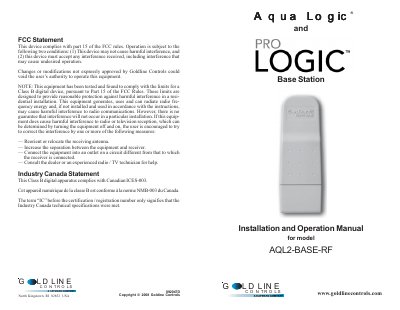

Goldline Controls AQL2-BASE-RF Base Station Installation and Operation Manual - cover page
Brand
Goldline
Category
Other Electronics
Document type
User Manual
Language
English
Pages
8
File format
PDF
File size
200 KB
Published
11 July, 2012
Updated
30 September, 2023
MD5 checksum
490E98B720384C4AF2C264D813078D94

About this manual

This manual provides instructions for installing and operating the Goldline Controls AQL2-BASE-RF Base Station. It details how to mount the unit directly on a Pro Logic or Aqua Logic control unit or remotely up to 500 feet away using an electrical box. The document explains the unique ID code system used for secure communication with remote devices.

What's inside

  • Compatibility
  • Limited Warranty
  • Installation
  • Remote Mounting
  • Operation
  • Troubleshooting

Frequently asked questions

What software revision is required for compatibility?

The product is compatible with Aqua Logic controls operating software revision r2.60 or higher.

What is the maximum distance for remote mounting?

The Base Station can be mounted up to 500 feet away from the control unit.

What should I do if I cannot find the Teach Wireless display?

Press the menu button until Settings Menu is displayed, then navigate to Teach Wireless. If it does not appear, check the 4 wire cable connection.

Download PDF (200 KB)

More Goldline Manuals


View all Goldline manuals →