
Aqua Pod is a compatible handheld remote control for Pro Logic controls, using an AQL2-BASE-RF base station. Aqua Pod is also compatible with all Aqua Logic controls operating with software revision r2.60 or higher, using an AQL2-BASE-RF base station operating with software revision r3.00 or higher.
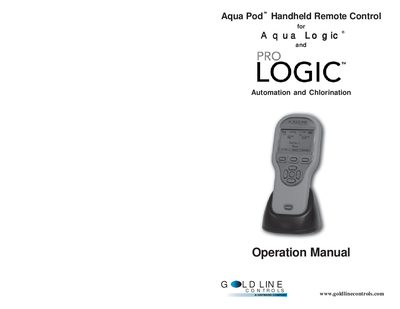
This document provides operation instructions for the Hayward Aqua Pod, a wireless handheld remote control designed for pool and spa automation. The device is compatible with Pro Logic and Aqua Logic controls using an AQL2-BASE-RF base station and specific software revisions.
The manual covers safety precautions, installation steps including battery charging and ID code teaching, and detailed operation of the display and pushbuttons. It explains how to control pool equipment, view system status, manage softkeys, and troubleshoot common issues like low signal or battery depletion.
| Wireless Technology | 900 MHz RF frequency hopping spread spectrum |
|---|---|
| Battery Type | Rechargeable built-in Lithium Ion battery pack |
| Initial Charge Time | at least 5 hours |
| Battery Life (Typical) | about 300 one-minute uses |
The unit requires an initial charge for at least 5 hours before attempting to use it without the charger.
Yes, the Aqua Pod can be used normally while connected to the charger.
The unit will briefly display a shutdown message and enter sleep mode to save battery power.