
This manual provides detailed instructions for operating and maintaining the VIVIDION VIV211 projector, including turning the projector on and off, adjusting the focus of the lens, setting the projection mode, selecting the signal source, displaying images, setting the audio, and setting up the network.
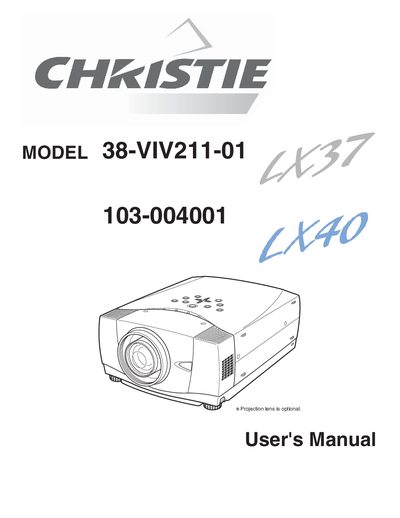
This document serves as the official User's Manual for the Christie 38-VIV211-01 projector. It contains essential safety precautions, detailed instructions for setting up the device, and guides on connecting it to various computer and video equipment. The manual covers basic operations such as turning the projector on and off, adjusting the image, and using the remote control.
You must maintain a minimum distance of 3.3 inches (1 meter) on the top, sides, and rear of the cabinet.
The laser beam emits from the Laser Light Window while pressing the LASER button for 1 minute.
You should use a damp cloth for cleaning and avoid using liquid or aerosol cleaners.