
This file is the user's manual for MX2001 projector
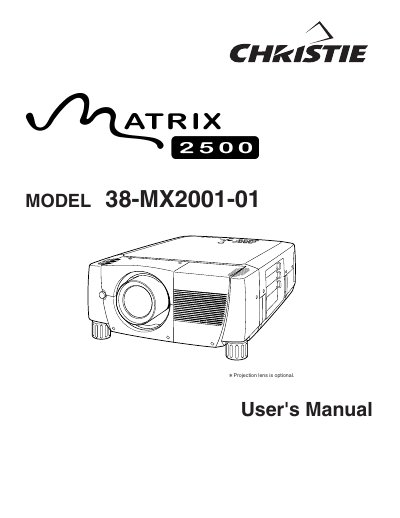
The Christie Atrix 2500 Model 38-MX2001-01 is a projection device designed for computer and video display applications. This User's Manual covers essential safety precautions, including warnings about intense light from the lens and proper ventilation requirements to prevent overheating. It guides users through initial setup steps such as installing the lens, positioning the projector, and connecting AC power cords.
| Document Model Number | 38-MX2001-01 |
|---|---|
| Product Type | Projector |
Read the manual again, check operations and cable connections, try solutions in the Troubleshooting section, or contact the sales dealer.
No. Do not remove the cover as there are no user-serviceable parts inside except for lamp replacement.
Eye damage could result from staring directly into the lens where intense light is produced.