
This user manual describes the features and proper operation of the 38-VIV302-01 model projector.
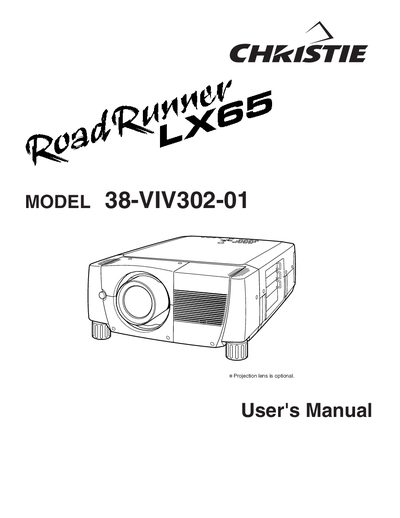
The Christie LX6538-VIV302-01 is a digital projector designed for computer and video applications. This User's Manual covers safety precautions, installation steps including lens mounting and power connections, and detailed instructions for adjusting picture settings such as zoom, focus, keystone correction, and image levels. It also explains how to operate the on-screen menu system using the remote control or wireless mouse.
Do not cover the ventilation slot on the projector, as heat build-up can reduce its service life and create a danger.
Read the manual again, check operations and cable connections, try solutions in the 'Trouble-shooting' section, or contact your sales dealer.
Unplug the projector if it is not to be used for an extended time, during a lightning storm, or when left unattended and unused for long periods.