
This is a projector user manual
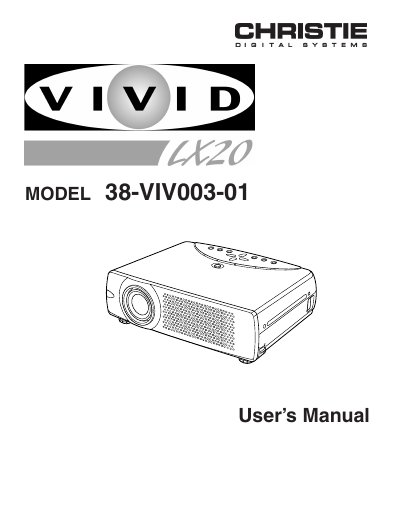
This User's Manual for the Christie LX20 38-VIV003-01 projector explains how to operate the projector, including safety precautions, preparation, connections to a computer or video equipment, remote control use, and on-screen menu operation.
It also covers basic operation such as turning the projector on and off, adjusting zoom, focus and keystone, selecting computer and video inputs, setting menus, maintenance such as air filter care and lamp replacement, troubleshooting, and technical specifications.
| Model Number | 38-VIV003-01 |
|---|
The model number is 38-VIV003-01.
Unplug the projector from the AC power supply before cleaning.
Lamp replacement is the exception to the warning that there are no user-serviceable parts inside.
Read the manual again, check operations and cable connections, and try the troubleshooting section; if the problem persists, contact the dealer or service center.