
Christie L6 38-RS1001-02 Projector User's Manual

This manual introduces the basic operating methods of 38-RS1001-02 projector, such as power on/off, projection mode selection, connection mode, image adjustment, etc.
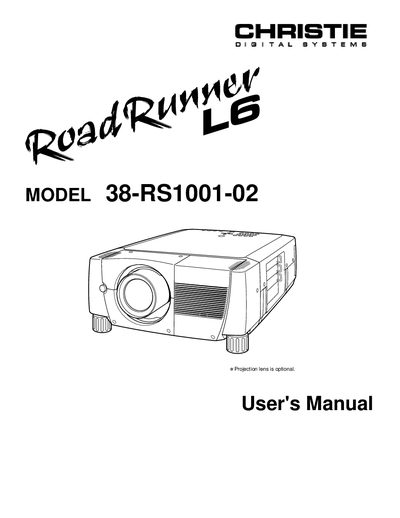

Christie L6 38-RS1001-02 Projector User's Manual - cover page
Brand
Christie
Category
Projector
Document type
User Manual
Language
English
Pages
52
File format
PDF
File size
1.2 MB
Published
06 July, 2012
Updated
01 October, 2023
MD5 checksum
AF38E41D7F6171B5C3639ACB64A17835

About this manual

This User's Manual covers the safe operation and setup of the Christie L6 38-RS1001-02 projector. It includes detailed instructions on connecting power and video sources, adjusting the image, and using the remote control and on-screen menu. Safety precautions regarding ventilation, laser beams, and electrical shock are emphasized throughout the document.

What's inside

  • Safety Precautions
  • Features and Design
  • Preparation
  • Setting-Up Projector
  • Connecting Projector
  • Operation of Remote Control
  • Operating On-Screen Menu
  • Maintenance
  • Troubleshooting
  • Technical Specifications

Frequently asked questions

What safety precaution is required when cleaning the projector?

You must unplug the projector from the AC power supply before cleaning it.

What is the minimum distance required for air circulation on the top and sides of the projector?

A minimum distance of 50cm must be maintained on the top and sides of the projector.

How long should the LASER button be pressed to activate the laser pointer function?

Press the LASER button for 1 minute to emit the laser beam.

Download PDF (1.2 MB)

More Christie Manuals


View all Christie manuals →