
Christie 38-VIV206-01 Projector User Manual

This manual provides detailed instructions on how to operate and maintain the Vivitek VIV206 projector, including how to turn it on and off, adjust the brightness, focus, image, and input signal, etc. It aims to help users better use the Vivitek VIV206 projector.
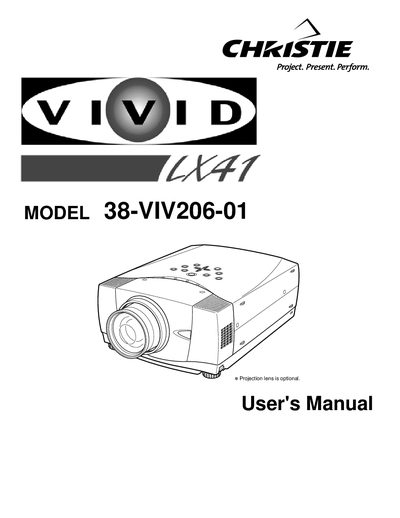

Christie 38-VIV206-01 Projector User Manual - cover page
Brand
Christie
Category
Projector
Document type
User Manual
Language
English
Pages
44
File format
PDF
File size
1.4 MB
Published
06 July, 2012
Updated
30 September, 2023
MD5 checksum
CB8326D102B954F2ABC8C318A76A1105

About this manual

This document is the official User's Manual for the Christie 38-VIV206-01 projector. It covers essential safety precautions, including warnings about intense light, ventilation requirements, and electrical hazards. The guide instructs users on proper installation, including lens mounting, positioning, and connecting AC power cords.

What's inside

  • Safety Precautions
  • Features and Design
  • Preparing the Projector
  • Setting Up the Projector
  • Connecting to Computer
  • Operating the Remote Control
  • Picture Image Adjustment
  • Maintenance
  • Troubleshooting
  • Technical Specifications

Frequently asked questions

What safety precaution is required regarding the projector's ventilation slots?

Do not cover the ventilation slot on the projector, as heat build-up can reduce the service life of the projector and can also be dangerous.

What specific condition requires the projector to be unplugged from the power outlet?

If the projector is not to be used for an extended time, unplug the projector from the power outlet.

What type of cleaning cloth should be used to clean the projector?

Use a damp cloth for cleaning the projector, and do not use liquid or aerosol cleaners.

Download PDF (1.4 MB)

More Christie Manuals


View all Christie manuals →