
This manual introduces the basic operation methods of P2000 series projectors.
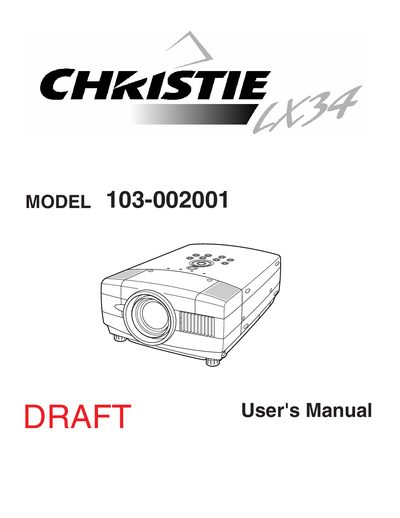
This document is the User's Manual for the Christie 103-002001 projector. It provides instructions on safety precautions, setup, and connecting the projector to computers and video equipment. The manual details how to operate the on-screen menu, adjust picture settings like zoom and focus, and use the remote control unit.
| Model Number | 103-002001 |
|---|---|
| Trade Name | Christie |
| Responsible Party | CHRISTIE DIGITAL SYSTEMS, Inc. |
Read the manual thoroughly and operate the projector properly to maintain it in better condition.
It increases the risk of fire or electric shock, so the appliance should not be exposed to rain or moisture.
No, do not attempt to service the projector yourself as opening covers may expose you to dangerous voltage.