
CHRISTIE LX35 38-VIV204-01 user manual

This manual introduces the operation and maintenance instructions of Vivitek 38-VIV204-01 laser projector.
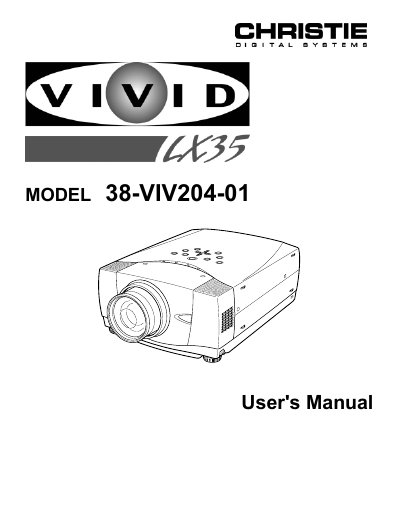

CHRISTIE LX35 38-VIV204-01 user manual - cover page
Brand
Christie
Category
Projector
Document type
User Manual
Language
English
Pages
44
File format
PDF
File size
1.4 MB
Published
06 July, 2012
Updated
30 September, 2023
MD5 checksum
2EF5DED1748AB243CEB7AC9C4C41991F

About this manual

This document is the official User's Manual for the Christie 38-VIV204-01 projector. It covers essential safety precautions, including warnings about intense light from the projection lens and proper ventilation requirements to prevent overheating. The guide details the correct setup process, including positioning the projector, connecting AC power, and linking it to computer or video equipment.

What's inside

  • Safety Precautions
  • Features and Design
  • Preparing the Projector
  • Connecting to Computer
  • Connecting to Video Equipment
  • Operating On-Screen Menu
  • Basic Operation
  • Maintenance
  • Troubleshooting
  • Technical Specifications

Frequently asked questions

What specific safety hazard occurs if you stare directly into the projection lens?

Eye damage could result from staring directly into the intense light produced by the projector.

What is the minimum distance required between the projector and the cabinet when it is built into a compartment?

You must maintain a minimum distance of 50cm on the sides and 80cm on the top and rear.

How long does the laser pointer function emit a beam when the LASER button is pressed?

The laser beam emits for 1 minute while the LASER POINTER INDICATOR lights red.

Download PDF (1.4 MB)

More Christie Manuals


View all Christie manuals →