
This manual introduces the features and characteristics of the Boxlight CP755ew Multimedia LCD Projector
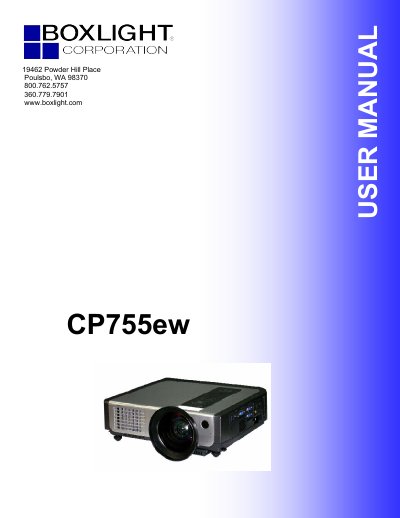
The BOXLIGHT CP755ew is a digital multimedia projector featuring a 3LCD optical system, dynamic contrast, and a 3D comb filter. It supports various input signals including YPbPr, VGA, and composite/S-video, with auto keystone and auto brightness control functions. The manual covers setup, connection, and basic operation for end users.
| Optical System | 3LCD |
|---|---|
| Keystone Correction | Auto V keystone function, +/- 30 degrees |
| Signal Support | YPbPr |
| Resolution (VGA) | 640x480 |
| Resolution (XGA) | 1024x768 |
| Resolution (SXGA) | 1280x1024 |
| Resolution (HDTV 1080i) | 1920x1080 |
Immediately turn off the power switch and disconnect the power plug from the power outlet, then contact your dealer.
No, never look through the lens when the lamp is on because the powerful light could adversely affect vision.
The ventilation openings should have at least 30cm (12in) clearance around the projector.