
The user manual of Boxlight CP-324i projector introduces the features and characteristics of Boxlight CP-324i projector. It contains safety guide, operating guide, installation guide and maintenance guide.
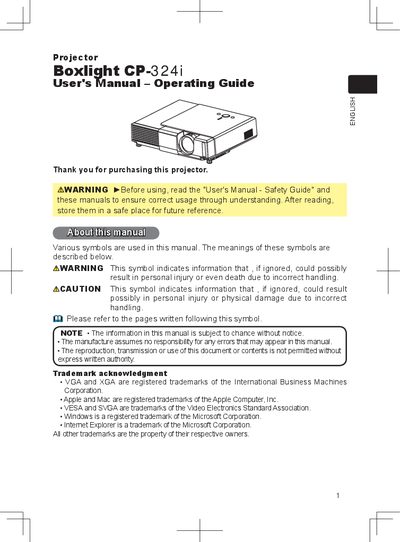
This manual provides operating instructions for the Boxlight CP-324i projector. It details how to set up the device, including adjusting the elevator and connecting power supplies. The guide explains the use of various control buttons on the unit and remote control for selecting inputs, adjusting picture settings like brightness and contrast, and correcting keystone distortions.
| Screen Resolution Support | 1280 x 720 |
|---|
Push the Restart switch using a cocktail stick or similar and let the projector cool down for at least 10 minutes before turning it on again.
WHISPER mode reduces acoustic noise to realize quieter operation, making it suitable for low luminance rooms.