
This is a user manual that introduces the installation and use of the DISH Network SR200 receiver.
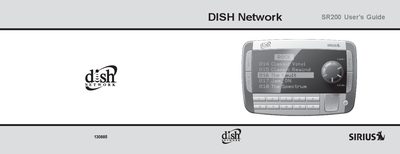
The DISH Network SR200 is a portable Plug-n-Play satellite radio receiver designed to deliver digital entertainment channels. The device includes a main receiver unit, remote control, vehicle docking cradle with wireless FM transmitter, and various mounting options for windshield or roof installation.
This manual covers the complete setup process, including unpacking contents, installing batteries in the remote, activating the SIRIUS subscription, and removing the unit from the dock. It also details basic operation features such as menu display options, time-based settings, and factory defaults, along with safety precautions and troubleshooting steps.
| Power Supply Requirement | 12V DC power supply with a negative ground connection |
|---|---|
| Preview Channel Number | Channel 184 |
Turn the unit's power off, wait 5 — 10 seconds, then turn the power on again. If it still mis-operates, remove it from the cradle and replace it.
No. There is a risk of electrical shock and damage to the receiver or personal injury if you try to open it.
The display will change to Call 1-888-539-SIRIUS to Subscribe and place you in the SIRIUS preview channel.