
This document is the user manual for SIRIUS Satellite Radio, describing the features and characteristics of the product.
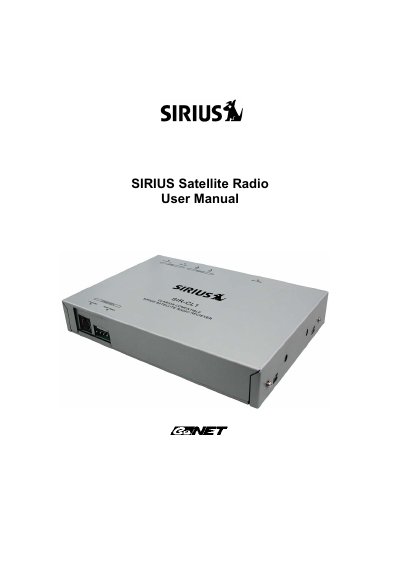
This manual provides instructions for the SIRIUS SIR-CL1 Satellite Radio receiver, including features, precautions, and installation steps. It details how to connect the unit using the CeNET cable or a standalone commander, and explains the wiring connections for the antenna and audio outputs.
Upon initial startup or after turning off the backup power supply, the receiver may take up to 30 seconds after receiving the signal before audio is heard.
It takes between 1.5 to 5 seconds to change channels, and button operations are not accepted until the channel is confirmed.
A total of 18 SIRIUS stations can be stored in memory, divided into three bands.