
This document introduces Clarion's Calypso 1 series products, including their high-quality sound reproduction capabilities in the audio industry and the availability of 60 ad-free music channels and 40 news, sports, and entertainment channels. The product can be used for both home and car use and requires the corresponding adapter kits.
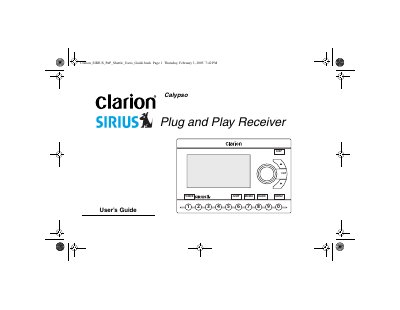
This manual provides instructions for the Clarion Calypso Sirius Satellite Plug and Play Receiver, a device designed for entertainment in both home and car environments. It explains how satellite radio works, detailing how signals bounce off satellites to provide hundreds of channels of commercial-free music, news, and sports programming.
| Programming Channels | 00 channels of original programming |
|---|---|
| Music Channels | Commercial-free music |
| Content Types | News, sports and entertainment |
The receiver requires one or both of the Home/Office Kit (CLHK) or the Automobile Kit (CLCK) for operation.
The manual instructs the user to note their identification number during the initial setup process.
Do not mount the receiver where it blocks the windshield view, obstructs safety devices like air bags, or distracts the driver.