
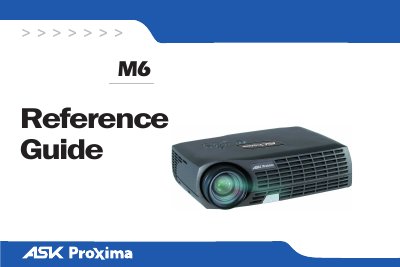
The InFocus M6 is a portable XGA (1024x768) resolution digital projector designed for business environments. It features connectivity options including DVI/HD, S-video, composite video, and audio inputs to support computer presentations and external video devices.
This guide covers essential procedures such as connecting the projector to computers and video sources, adjusting image settings like zoom, focus, and keystone correction, and using the built-in menus. It also includes safety warnings regarding lamp disposal and ventilation requirements.
| Resolution | XGA 1024x768 |
|---|---|
| Connectors | M1-D/A, S-video, Composite RCA, Audio in |
The projector has an XGA resolution of 1024x768.
Press FN and the function key labeled CRT/LCD or with a monitor symbol simultaneously.
Changes or modifications not expressly approved by InFocus Corporation may void authority to operate the equipment.