
MARKES CIA 8 Installation Manual

This document is the CIA 8 Installation Manual, which provides installation steps and connection methods for UNITY 2TM CIA 8.
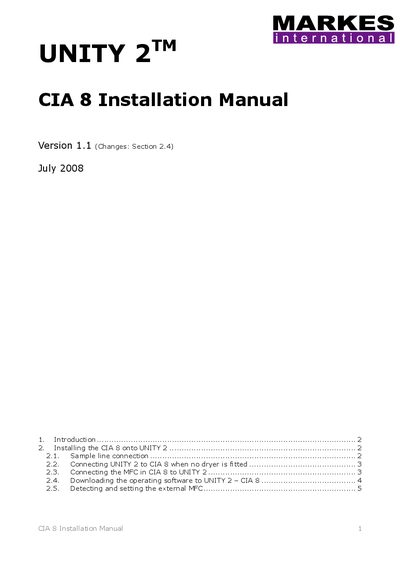

MARKES CIA 8 Installation Manual - cover page
Brand
MARKES
Category
Industrial Robot
Document type
Installation Guide
Language
English
Pages
5
File format
PDF
File size
360 KB
Published
05 July, 2012
Updated
29 September, 2023
Model
CIA 8)
MD5 checksum
8031EB978294C6B8375426B396E1C862

About this manual

This document provides installation instructions for the MARKES CIA 8, an extension module for the UNITY 2 Air Server designed for work requiring up to 8 channels with internal standard addition. It details specific deviations from the standard Air Server installation manual.

What's inside

  • Introduction
  • Installing the CIA 8 onto UNITY 2
  • Sample line connection
  • Connecting UNITY 2 to CIA 8
  • Connecting the MFC in CIA 8
  • Downloading operating software
  • Detecting and setting the external MFC

Frequently asked questions

What is the maximum number of channels supported by the CIA 8?

The CIA 8 supports work requiring up to 8 channels.

How many nuts are used on the heated transfer line when no dryer is fitted?

Two 1/16" nuts are connected on the heated transfer line.

What password is required to scan for flow controllers?

The password required to automatically detect all MFCs is Davinci.

Download PDF (360 KB)

More MARKES Manuals


View all MARKES manuals →