
This document describes the enhancements, defect fixes, and software compatibility issues related to the release of Scan Control V 8.3 for Agilent G2565CA Microarray Scanner. The new version adds three tools: Unlock Door, Reset Calibration Warnings, and Extended Laser Calibration. In addition, network scanning and error recovery have been improved.
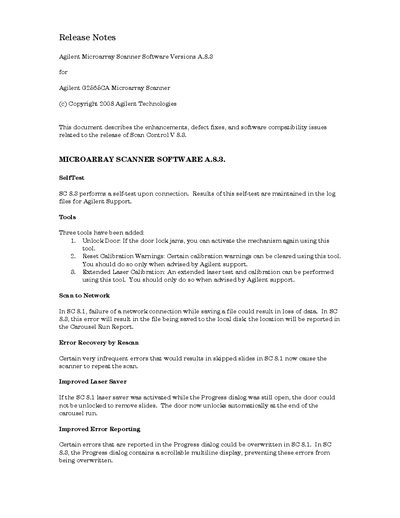
This document describes the enhancements, defect fixes, and software compatibility issues related to the release of Scan Control V 8.3 for the Agilent G2565CA Microarray Scanner. Key updates include the addition of three new tools (Unlock Door, Reset Calibration Warnings, and Extended Laser Calibration) and improvements to error reporting and laser saver functionality.
| Minimum Scan Region | 5 mm by 2 mm |
|---|---|
| Extended Warmup Time | 30 minutes |
The file will be saved to the local disk, and the location will be reported in the Carousel Run Report.
Yes, specific calibration warnings can be cleared using the 'Reset Calibration Warnings' tool, but this should only be done when advised by Agilent support.
A high-quality USB2 cable is required; using a USB1 cable or one with a ferrite may cause connection failure or data loss.