
Uniden EXAI8580 Cordless Telephone User Manual

This document is the instruction manual for Uniden Cordless Telephones EXAI8580 Series C U T remote operation card
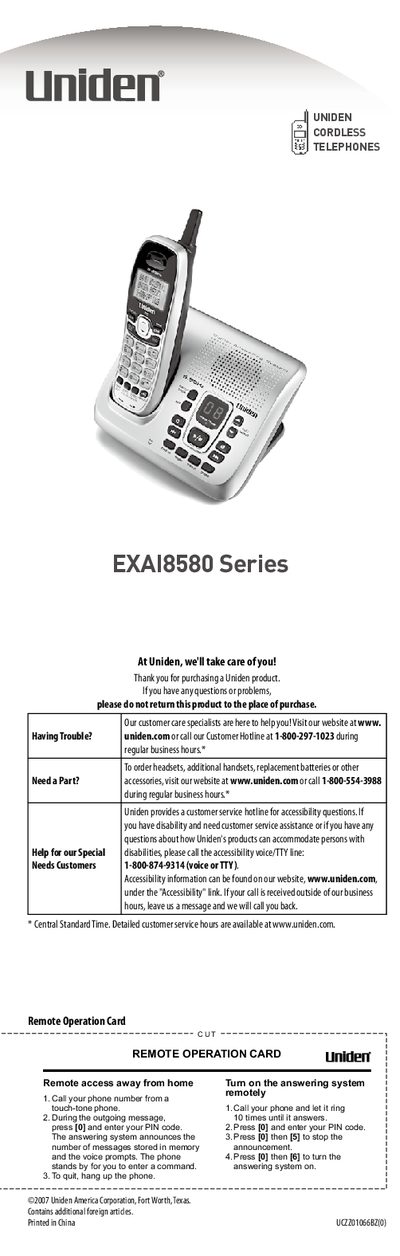

Uniden EXAI8580 Cordless Telephone User Manual - cover page
Brand
Uniden
Category
Telephone
Document type
User Manual
Language
English
Pages
16
File format
PDF
File size
1.9 MB
Published
04 July, 2012
Updated
30 September, 2023
MD5 checksum
4FD877F6FF8AF19A633EC859C1C892B1

About this manual

This document is the user manual for the Uniden EXAI8580 cordless telephone series. It covers initial setup steps such as installing the battery, connecting the base to a telephone line, and attaching the belt clip. The guide explains how to configure dialing modes (tone or pulse) and troubleshoot common issues like missing dial tones or static interference.

What's inside

  • Installing the Phone
  • Getting to Know Your New Phone
  • Feature Overview
  • Parts of the Handset
  • Dialing Modes
  • Answering System Features
  • Caller ID
  • Speed Dial
  • Remote Operation Card
  • Troubleshooting

Specifications

Recording TimeUp to 13 minutes
Caller ID Memory30-number
Speed Dial Memory10-number

Frequently asked questions

How long should I charge a new battery for the first time?

Allow 15 to 20 hours for the first charge.

What should I do if I cannot hear a dial tone?

Check the telephone cord connection on the base.

Download PDF (1.9 MB)

More Uniden Manuals


View all Uniden manuals →