
This file is an instruction manual on how to install the Uniden EXI8560 Series cordless telephones.
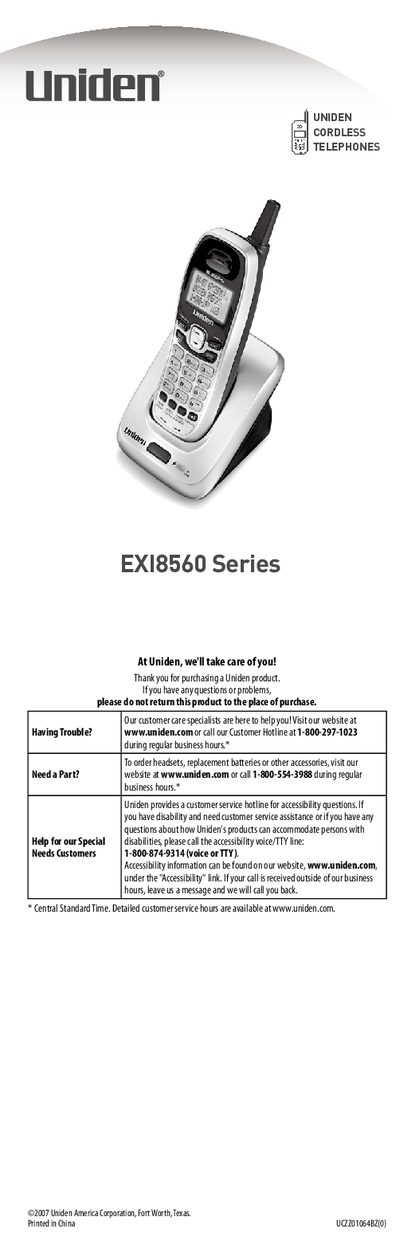
The document serves as a user guide for the Uniden EX18560 Series cordless telephones. It covers initial setup procedures including locating the base unit, installing batteries, connecting power and phone lines, and attaching accessories like the belt clip.
The manual details how to navigate the handset menu system using specific keys such as [cid/menu], [am], [-], and [select/channel]. It explains various display statuses like TALK, #/in use, and Voice mail waiting indicators. Additionally, it provides troubleshooting steps for common issues such as missing dial tones or static interference.
Check the AC adapter connection and ensure you are not using an outlet controlled by a wall switch.
Press and hold [cid/menu], press [-] to move the pointer to DIAL, then press [select/channel].
It indicates that there is a voice message waiting on your system.