
Explains how to set up the Uniden EXI4560/EXI4561 cordless phone.
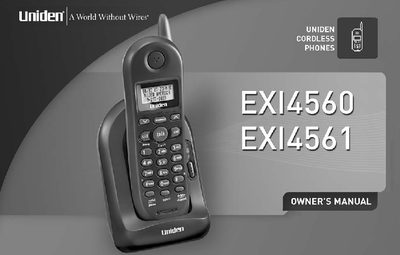
Congratulations on your purchase of the Uniden cordless telephone. This cordless phone is designed for reliability, long life, and outstanding performance. The manual covers setup procedures such as installing the rechargeable battery pack into the handset and mounting the base unit on a wall or desk.
The guide details how to make and receive calls, use features like Caller ID and Call Waiting, adjust volume settings, and program speed dial memory. It also includes troubleshooting tips for liquid damage and general precautions for using the device.
You must charge the handset for 15 to 20 hours before using the phone.
The AC adapter must be connected to a 120V AC power outlet.
The phone uses 2.4 GHz Extended Range Technology.