
The Uniden EXP3240 Series (EXP3240/EXP3241) 2.4GHz cordless phones are designed to provide reliability, long life, and outstanding performance. Features include AutoTalk, AutoStandby, UltraClear Plus™ true compander circuitry, Random Code™ digital security, AutoSecure™ feature, and RocketDial™ one-touch speed dial.
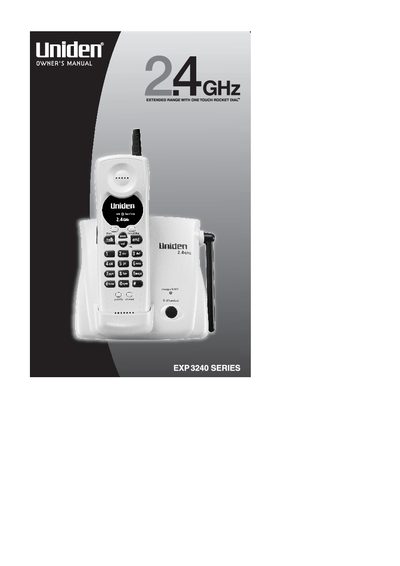
The Uniden EXP3240 Series (including models EXP3240 and EXP3241) is a 2.4GHz cordless telephone system designed for reliability and extended range. Key features include AutoTalk and AutoStandby functions, UltraClear Plus noise reduction technology, Random Code digital security, and RocketDial one-touch speed dialing.
| Frequency Band | 2.4GHz |
|---|---|
| Talk Time | Upto 7 Hours |
| Standby Time | Upto 14 days |
| Memory Capacity | 10-Number Memory |
| Channel Count | 20 Channel Autoscan |
| Redial Capacity | 24 Digit Redial |
You must charge the handset battery pack for at least 15-20 hours before using your new cordless telephone for the first time.
Press and hold flash until you hear a confirmation tone, then press # for pulse or %/tone for tone dialing.