
This document is a setup guide for the EXI5660 Series 1. It provides installation and setup steps, as well as features and characteristics of the product.
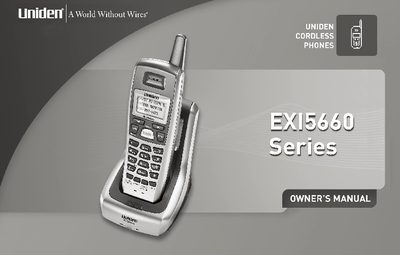
This document is the Setup Guide for the Uniden EXI5660 cordless telephone system. It covers the initial configuration steps required to get the phone operational, such as installing the rechargeable battery pack and connecting the base unit to the telephone line. The guide also includes instructions for mounting the base unit on a wall or desk and attaching the belt clip.
| Frequency | 5.8 GHz |
|---|---|
| Dialing Modes | Tone/Pulse |
| Display | 3-Line Backlit LCD |
| Languages | English, Spanish, or French |
| Caller ID Memory | 30 |
| Number Memory Dialing | 10 |
| Auto Scan Channels | 20-Channel |
You must charge the handset for 18-20 hours before using your phone.
No, you must use only the Uniden AC adapter supplied with your new phone.