
This document provides instructions on how to install and charge the handset battery and set the phone's feature options. After charging the handset battery for 15-20 hours, the telephone cord should be plugged into the base unit and telephone wall jack. Once the handset battery is installed, caller ID, language, and dialing options can be set. Contact phone number and website information are also provided.
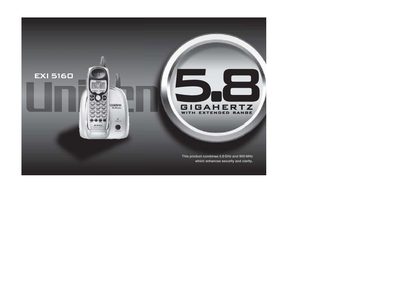
The Uniden EXI5160 is a cordless telephone system that combines 5.8 GHz and 900 MHz frequencies to enhance security and clarity. The package includes the base unit, handset, rechargeable battery, AC adapter, belt clip, and telephone cord. Before use, users must install the battery pack into the handset and charge it for 15-20 hours by connecting the AC adapter to a 120V outlet.
| Frequency Bands | 5.8 GHz and 900 MHz |
|---|---|
| Display Language Options | English, French or Spanish |
| Memory Capacity | 10 Number Memory Dialing |
| Channel Scan | 20 Channel Autoscan |
| Power Input | 120V AC outlet |
The AC adapter cord must be plugged into a 120V AC outlet.
The user can select English, French, or Spanish as the display language.