
This manual introduces how to use the VTech 3531 phone. This manual includes the following: Welcome/Accessibility, Terminology/Manual Conventions, Product Overview, Controls and Functions, Installing the Phone, Basic Setup, Using the Speed Dial Memory, Using Your Phone, Call Waiting and Caller ID on Call Waiting (CIDCW), Integrated Answering Machine, Setting Up Your Answering Machine, Using Your Answering Machine, Maintenance, Troubleshooting and Precautions.
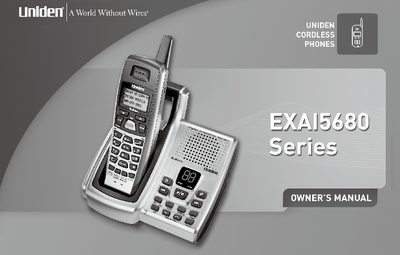
This manual provides instructions for the Uniden EXAI5680 cordless telephone system, including the base unit and handset. It covers essential setup procedures such as installing the rechargeable battery pack, mounting the base, and configuring basic settings like language, dialing mode, and area code. The guide also details how to use key features including AutoTalk, Caller ID, Call Waiting, and the integrated digital tapeless answering machine.
| Frequency | 5.8 GHz |
|---|---|
| Dialing Modes | Tone/Pulse |
| Display | 3-Line Backlit LCD |
| Menu Languages | English, Spanish, or French |
| Caller ID Memory | 30 |
| Number Memory Dialing | 10 Number |
| Auto Scan Channels | 20-Channel |
| Recording Time | Up to 13 minutes |
| Power Supply | 9V DC |
The phone supports Trilingual Menu Displays in English, Spanish, or French.
The integrated answering machine offers up to 13 minutes of recording time.
The phone supports both Tone and Pulse dialing modes.
The device can store up to 30 Caller ID messages in memory.