
This document is an instruction on how to install and charge a cordless phone. It explains how to install the phone battery, set caller ID, language, and dialing options, and provides a quick reference guide.
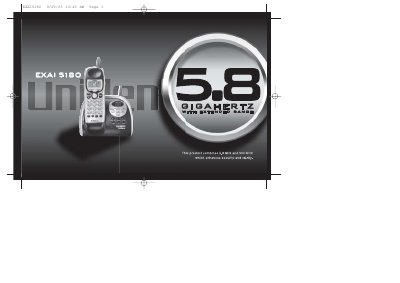
This document is the user manual for the Uniden EXAI5180 cordless telephone system. It covers the installation of the base unit and handset, including battery charging and wall mounting. The guide details how to configure menu options such as Caller ID, dialing mode, and language settings.
| Frequency Bands | 5.8GHz and 900 MHz |
|---|---|
| Redial Capacity | 32 Digit |
| Memory Dialing | 10 Number |
| Autoscan Channels | 20 Channel |
| Display Options | English, French or Spanish |
The rechargeable battery should be charged continuously for 15 to 20 hours before using the phone.
Yes, the phone features Caller ID and Caller ID on Caller Waiting (CIDCW).