
This manual introduces the basic setup and operation methods of DCT756 and DCT7565 telephones, including installation, basic setup, adding additional handles and setting up the phone book.
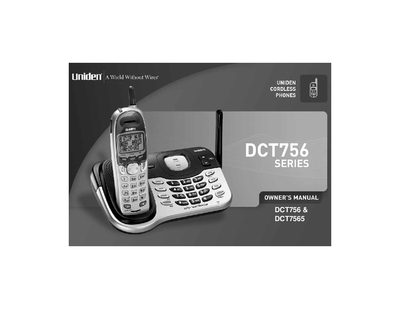
This Owner's Manual covers the Uniden DCT756 and DCT7565 cordless phone systems, detailing features such as Caller ID, Call Waiting Deluxe, DirectLink, and room/baby monitoring. It includes instructions for installing the base and handsets, configuring phonebook entries, and utilizing special features like conferencing and call transfer.
| System Type | 2.4GHz Digital Expandable System |
|---|---|
| Max Handsets | 4 Handsets |
| Phonebook Capacity | 100 shared Phonebook Entries |
| Ringer Options | 20 Ringer Options |
| Speed Dial Locations | 10 Speed Dial Locations |
| Redial Records | Last 3 Number Redial |
| Menu Languages | Trilingual Menu Displays |
The system is expandable and will support a total of four handsets to one base.
You can call the Customer Service Hotline at 1-800-297-1023 or visit www.uniden.com.