
This document describes how to use the DCX 490.
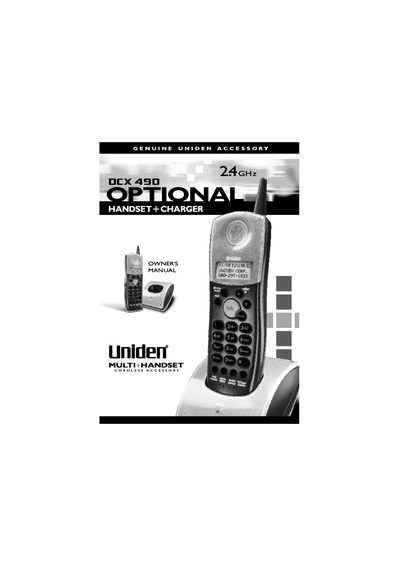
The Uniden DCX 490 is an additional handset accessory designed to expand the number of handsets on a compatible Uniden cordless telephone system. Before use, the battery pack (BP-490) must be charged for 12-15 hours. The handset is compatible with the DCT 4960, DCT 4960-2, and DCT 4980 base units.
| Compatible Base Units | DCT 4960, DCT 4960-2, DCT 4980 |
|---|---|
| Battery Charge Time | 12-15 hours |
| Continuous Use Time | 6 hours |
| Standby Time | 3 days |
Press and hold the find handset key on the base for 5 seconds until the charge/voice mail LED flashes, then place the new handset in the charging cradle.
The phone will display a low battery alert and beep twice; you should complete your conversation and return the handset to the base unit for charging.
Unplug the AC adapter, press and hold the find handset key while plugging in the adapter, and keep holding it for 10 seconds.