
This manual describes how to set up your new Uniden DCX730 accessory handset and charger.
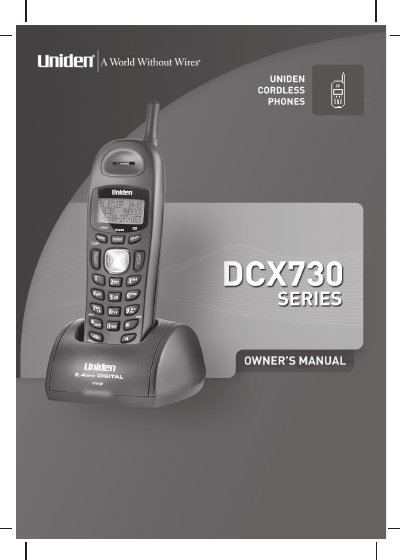
The Uniden DCX730 is a fully featured cordless accessory handset designed to work with specific Uniden main bases using AC power. Before use, the rechargeable NiMH battery pack must be installed and charged for at least 15-20 hours. The handset requires registration to a compatible base unit before it can make or receive calls.
| Battery Type | Rechargeable NiMH Battery Pack, model # BT-1004 |
|---|---|
| Battery Capacity | 500 mAh, 3.6V |
| AC Adapter Model | AD-0005 |
| Adapter Output | 9V DC 210 mA |
| Phonebook Capacity | Up to 100 names and numbers |
| Caller ID Records | Up to 100 records |
Charge the handset battery pack for at least 15-20 hours before using your new handset for the first time.
No, you must use only the Uniden AD-0005 adapter to charge the handset.
You will hear a beep and see MEMORY FULL appear; you cannot store additional names until you delete existing ones.