
This document describes the features and characteristics of a telephone, including main phone features, answering system features, parts of the handset and answering system base, interface usage, installation steps, basic setup, adding accessory handsets, setting up the phonebook, and customizing the phone.
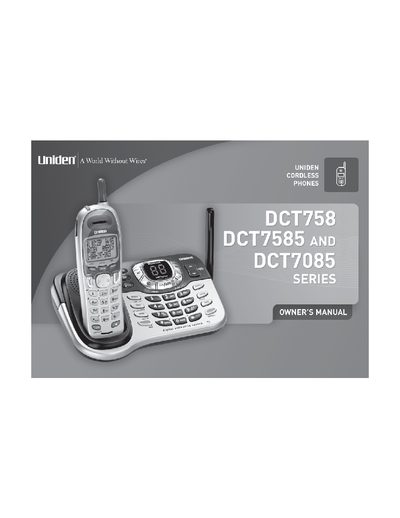
This Owner's Manual covers the Uniden DCT758, DCT7585, and DCT7085 series of digital cordless phones. It details the installation of the base and handsets, basic setup procedures such as language selection and time setting, and how to use the phonebook and speed dial features. The guide also explains advanced calling features like Call Waiting, Call Transfer, and Conferencing.
| System Capacity | 2.4GHz Digital Expandable System expands up to 4 Handsets |
|---|---|
| Recording Time | Up to 12 Minutes of Recording Time |
| Message Capacity | Records Up to 59 messages |
| Phonebook Entries | 100 shared Phonebook Entries/Caller ID Numbers |
| Speed Dial | 10 Speed Dial Numbers |
| Redial | Last 3 Number Redial |
| Voice Prompts | English, Spanish, or French Voice Prompts for Menu Setup |
The 2.4GHz Digital Expandable System expands up to 4 Handsets.
The system provides up to 12 Minutes of Recording Time.
The system can record up to 59 messages.
The system supports English, Spanish, or French Voice Prompts for Menu Setup.