
This document describes how to connect the Uniden DS4111 telephone, including connecting to a phone line, setting caller ID, language and dialing options.
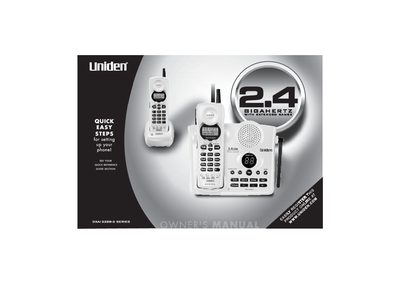
This manual provides instructions for setting up and using the Uniden DXAI3288-2 series cordless telephone and answering system. It covers initial setup steps, including registering the second handset, connecting the phone line, and charging the batteries. The guide also details the various features of the phone, such as Caller ID, call waiting, memory dialing, and the integrated answering device.
| Handsets | Dual Handset |
|---|---|
| Frequency | 2.4GHz |
| Display | 16 Digit, 3-line Backlit Display |
| Memory Dialing | 20 Number Memory Dialing (each handset) |
| Caller ID Memory | 30 Number Caller ID Memory (each handset) |
| Redial | 32 Digit Redial (each handset) |
| Talk Time | 7 Hour Talk Time |
| Standby Time | 7 Day Standby Time |
Yes, the phone is Hearing Aid Compatible.
The rechargeable battery packs require a continuous charge of 15-20 hours before use.
Each handset supports a memory capacity for up to 30 Caller ID numbers.